
Table of Contents
- Tp-link wi-fi 6 AX1500 travel router TL-WR1502X review — is this the best portable wifi solution
- Overview of the tp-link ultra-portable wi-fi 6 AX1500 travel router
- Key features
- Pros and cons
- Customer reviews
- Frequently asked questions
- Where to buy
Tp-link wi-fi 6 AX1500 travel router TL-WR1502X review — is this the best portable wifi solution
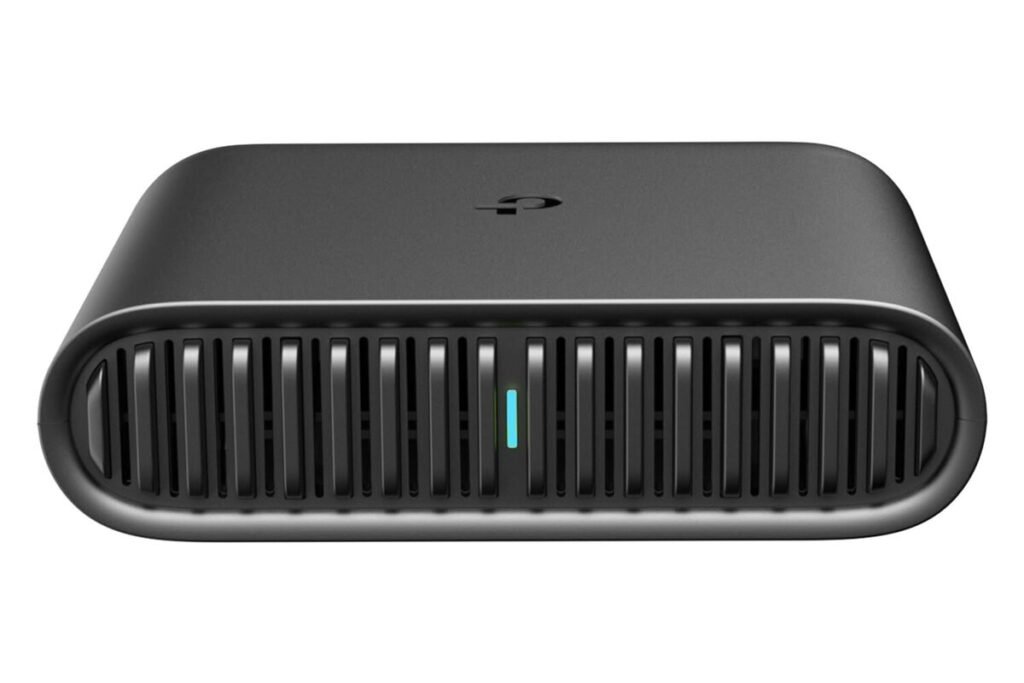
Traveling usually means rolling the dice on hotel or caf Wi-Fi. Sometimes it works, sometimes it doesn't. That's why TP-Link's travel router caught my eye—it promises to make those unpredictable connections a bit more dependable, and it barely takes up any space. What's cool here is the combo of true portability with the newer Wi-Fi 6 standard, which you don't often find in something this small.
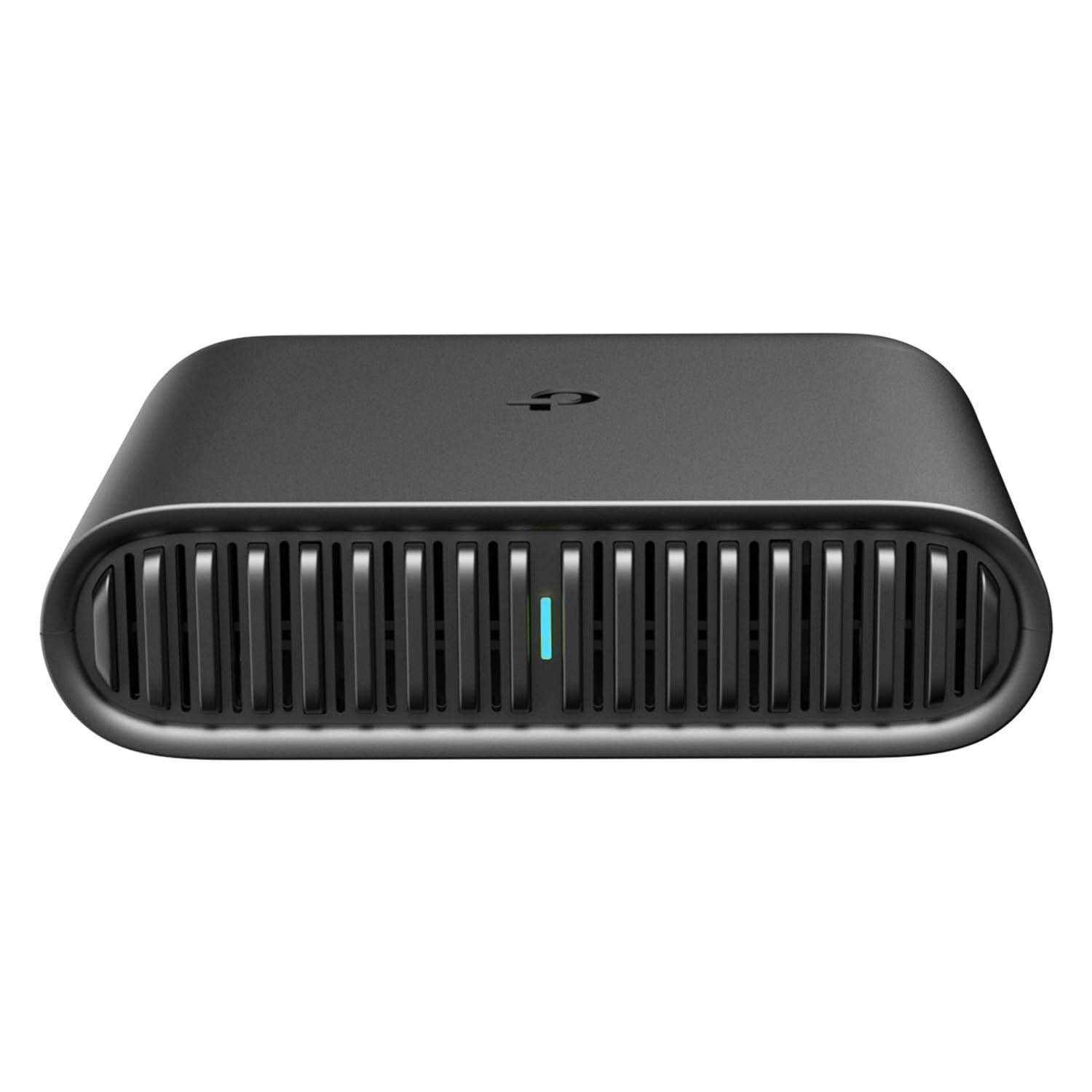
This little gadget brings a bunch of modes and a super easy setup, so it's flexible for all kinds of trips. But if you're hoping to run OpenWrt and tinker with advanced features, you'll be disappointed—no support there. Still, for most folks on the go, it's the mix of speed, portability, and simplicity that really stands out.
Overview of the tp-link ultra-portable wi-fi 6 AX1500 travel router
When I pack for a trip, I care about space and reliability. This router checks both boxes. It's small enough to toss in any bag, yet it still manages a bunch of devices at once.
You can use it as a router, access point, range extender, and more, so it adapts to whatever situation you're in—a hotel, an Airbnb, or even an RV. Tether your phone's data or plug in a USB drive to share files with your travel crew. That's handy.
It's not perfect, though. If you want 3G/4G connectivity, you'll need to bring a separate USB modem. And while it's surprisingly strong for its size, don't expect it to cover a huge house.
Pros: Portable, versatile modes, Wi-Fi 6 speeds
Cons: Needs extra hardware for mobile data, limited range compared to bigger routers
Key features
AX1500 dual-band wi-fi 6 performance
You get solid speed and stability here, which is a lifesaver when you're juggling a phone, laptop, and maybe a tablet. The 5 GHz band takes care of streaming or gaming, while 2.4 GHz is fine for emails and browsing. Just remember, if the hotel's network is slow, this router can't work miracles.
Pros
-
Handles multiple devices
-
Fast 5 GHz speeds
Cons
- Only as good as the internet you feed it
Multi-mode support for versatile connectivity
I love that this router doesn't force you into one setup. Switch between Router, Access Point, Range Extender, Hotspot, or Client mode, depending on where you are. That flexibility is a big win, especially if you move around a lot. The only hitch: if you want 3G/4G, you'll need a USB modem.
ModeBest Use CaseLimitationRouterPrivate network creationNeeds wired inputAccess PointExpanding Wi-Fi coverageLimited rangeRange ExtenderBoosting weak signalsSome performance dropHotspot/ClientPublic Wi-Fi sharingSecurity depends on your setup
Ultra-portable and durable design
Weighing just over 5 ounces, this thing is tiny. It fits in your pocket, and you probably won't notice it's there. The build feels solid—no flimsy parts to worry about. The trade-off? You only get a couple of ports, so if you want lots of wired connections, you'll have to compromise.
Highlights
-
Pocket-sized, travel-friendly
-
Durable with no moving parts
-
Not many port options
Easy file and internet sharing
Plug in a USB drive and share files across your devices—great for group trips or business teams. You can also use USB tethering to share your phone's data plan with your laptop or tablet. That's convenient, but keep in mind you'll need to pack a few extra cables or drives.
What stands out
-
File sharing without the cloud
-
Phone tethering for backup internet
-
Needs extra accessories for full use
Pros and cons
Here's the honest rundown on what works and what doesn't with this travel router:
Pros
-
Super portable: Toss it in your bag and forget it's there.
-
Multiple modes: Set it up any way you need—router, access point, extender, or share your phone's data.
-
Wi-Fi 6 support: Faster and more stable than older travel routers.
-
Easy setup: The companion app walks you through everything, even those annoying hotel Wi-Fi logins.
-
USB-C power: Run it off a power bank when outlets are scarce.
Cons
-
Not a mobile hotspot by itself: Needs an internet source or USB modem.
-
Limited advanced features: Can't run OpenWRT or custom firmware.
-
Requires specific power banks: Not every power bank will work—needs higher voltage output.
-
Performance varies: Hotel networks and building layouts can affect speed and range.
If you want something that's easy to carry and gets the job done most of the time, this is a solid pick. But if you expect it to do everything a big home router can, you'll probably be let down.
Customer reviews
Most buyers say this router keeps connections stable, even in tricky places like hotels or RVs. People appreciate the Wi-Fi 6 support, which helps with both speed and managing several devices at once.
Setup gets a lot of praise—it's quick, the signal usually reaches across a couple of rooms, and the device feels reliable despite its size. Folks also like that they can manage devices and set up guest networks.
Not everyone is thrilled, though. Some mention it doesn't have the power or range of a big home router, which, honestly, is to be expected for something this compact. A few just thought it was "fine" but not amazing.
Overall sentiment
-
Average rating: 4.2 out of 5
-
Total reviews: 10,171
-
Most common praise: Portability, ease of use, strong signal
-
Most common complaint: Limited compared to larger routers
Real-world travel experience
Hotel Wi-Fi? Usually a headache. This router helps smooth things out, especially if you're bouncing between hotels or RV parks. Setup takes just a few minutes, and once it's running, you get a more stable signal than just relying on whatever the hotel offers.
Of course, nothing's perfect. Speeds can dip if you connect too many devices. It's also one more gadget—and cable—to pack, so if you're a minimalist, you might hesitate.
Pros I noticed
-
Reliable connection in hotels
-
Easy to carry
Cons worth noting
-
Slows down with lots of devices
-
Needs USB-C power, so another cable to pack
Frequently asked questions
How does the performance of the TP-Link AX1500 travel router compare to other travel routers on the market?
Honestly, most compact routers struggle with multiple devices, but this one stands out with Wi-Fi 6. It usually handles more devices without bogging down, at least compared to older Wi-Fi 5 models. Still, don't expect the same range as a big home router.
What are the setup steps for the TP-Link AX1500 travel router for first-time users?
Setup is pretty painless. Most people use the Tether app, which walks you through connecting to hotel or public Wi-Fi and setting up your own network. Here's the usual process:
-
Plug in the router with USB-C.
-
Connect to it from your phone or laptop.
-
Use the app to log in and pick your network mode.
Sometimes hotel Wi-Fi portals add an extra step, but it's not too bad.
Can the TP-Link TL-WR1502X be used with open-source firmware like OpenWRT?
Nope, this model doesn't support OpenWRT. If you need advanced firmware or love tinkering, you'll want something else.
Are there any notable differences between the TP-Link TL-WR1502X and the TL-WR902AC models?
Definitely. Here are the big ones:
FeatureTL-WR1502X (AX1500)TL-WR902ACWi-Fi StandardWi-Fi 6Wi-Fi 5Speed HandlingFaster, handles more devicesSlower, older techPower InputUSB-CMicro-USBModes SupportedMultiple (Router, AP, Extender, etc.)Similar, but less efficient
In short, the TL-WR1502X is newer and better for heavier use, while the TL-WR902AC is a bit dated.
What advanced features does the TP-Link AX1500 travel router offer to tech-savvy travelers?
A few features stand out:
-
Captive portal bypass: Log in once, then share that connection with all your devices.
-
USB tethering: Share your phone's data.
-
File sharing: Plug in a USB drive and share files over Wi-Fi.
-
Multiple modes: Router, Access Point, Range Extender, Hotspot, and more.
It's more versatile than most pocket routers, but if you want deep customization, you might still wish for more firmware options.
How reliable is the TP-Link AX1500 travel router when connecting multiple devices in a mobile environment?
For its size, it actually handles a handful of devices pretty well. Thanks to Wi-Fi 6, you usually get a stable connection whether you're streaming, browsing, or juggling work across your phone, laptop, or tablet. Still, if the source connection—like hotel Wi-Fi—is lousy, you'll probably notice a drop in performance. The router keeps things steady on its end, but honestly, it can't work magic if your upstream signal isn't great.