
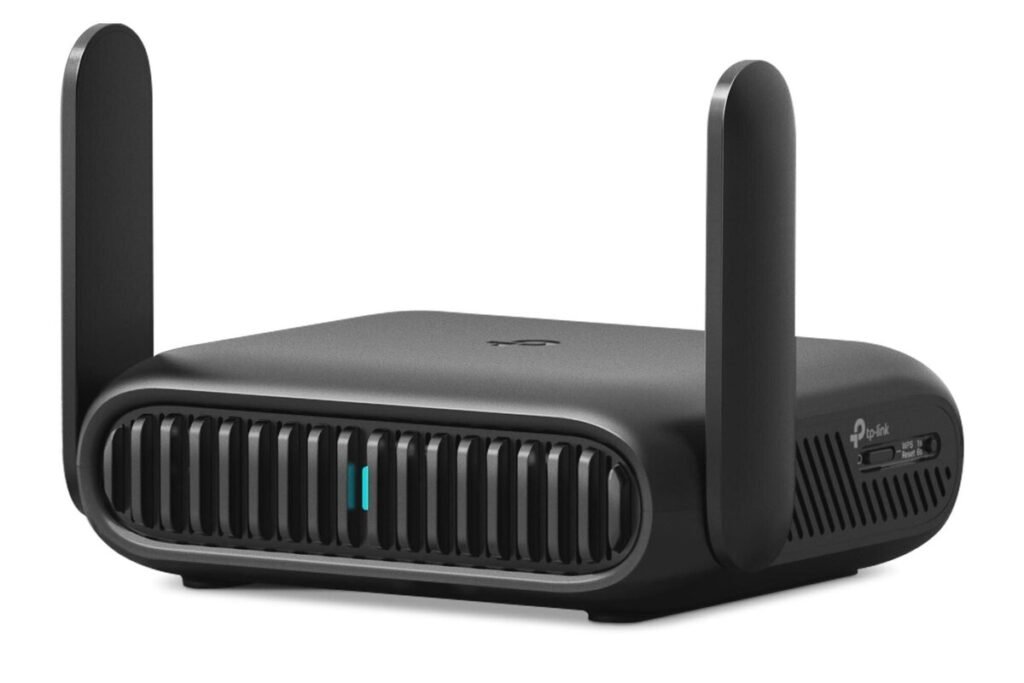
Tp-link BE3600 wi-fi 7 portable travel router TL-WR3602BE review: is this the best travel router yet
Staying connected while traveling can be a hassle—hotel Wi-Fi drags, public networks are sketchy, and you never really know what you'll get. That's why the TP-Link BE3600 travel router caught our eye. It's small enough to toss in your backpack, but it packs in features that keep your devices online and your data a bit safer wherever you end up.
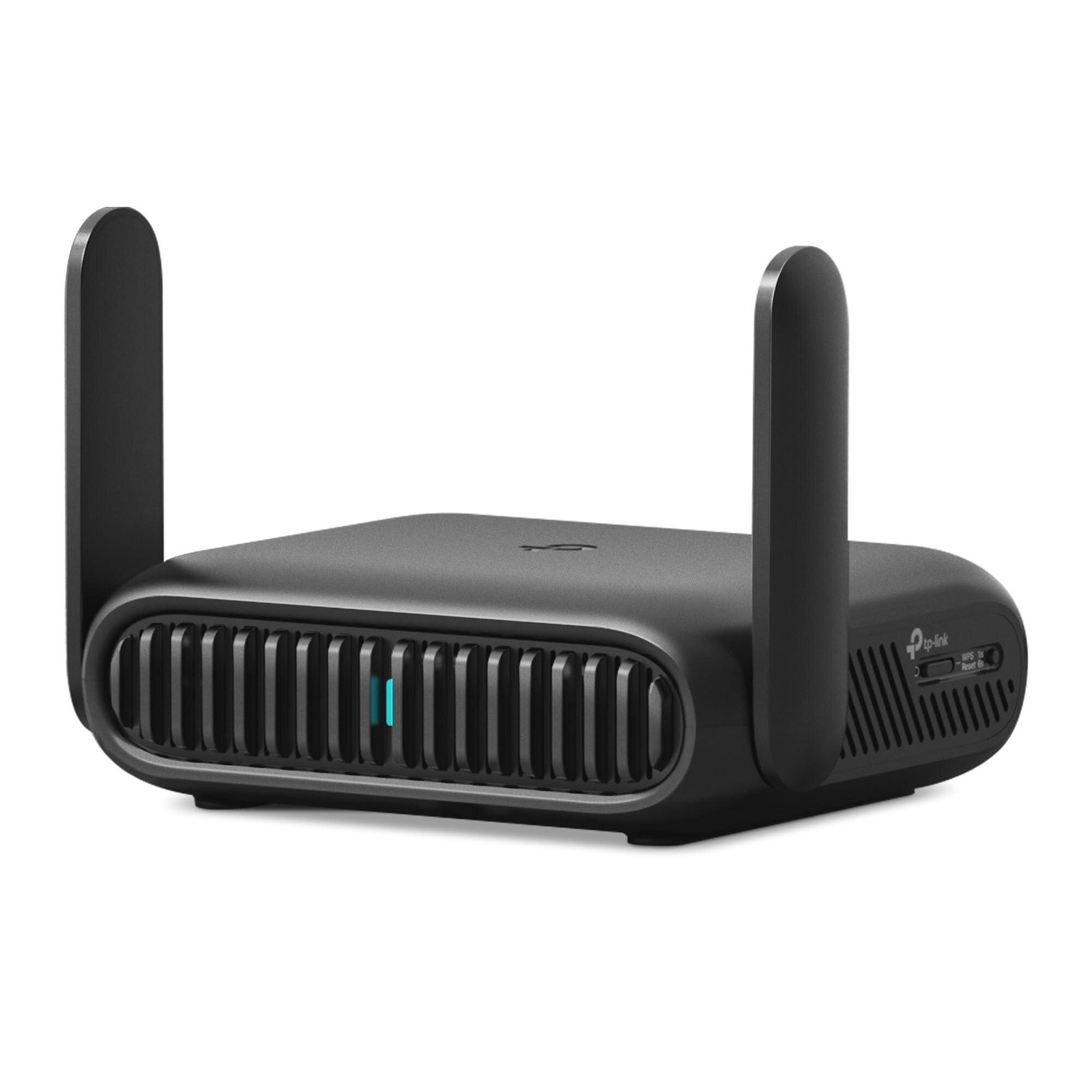
We appreciate the multiple modes—it's handy in hotels, RVs, or even on a cruise ship. The built-in VPN support helps us feel better about logging into public Wi-Fi. On the flip side, it skips the 6 GHz band, so it's not as future-proof as some higher-end models.
Table of Contents
- Tp-link BE3600 wi-fi 7 portable travel router TL-WR3602BE review: is this the best travel router yet
- Overview of the tp-link BE3600 wi-fi 7 portable travel router
- Key features
- Pros and cons
- Customer reviews
- Who should buy the tp-link BE3600
- Frequently asked questions
- Where to buy
Overview of the tp-link BE3600 wi-fi 7 portable travel router
The first thing we notice about this router? Flexibility. It's tiny, yet it adapts to whatever connection you need: Ethernet in a hotel room, phone tethering, or grabbing public Wi-Fi.
TP-Link included strong security features like multiple VPN options, which is pretty important on shared networks. Wired and wireless connections are both available, so you're not stuck with just one way to connect.
Still, there's a limitation: no 6 GHz band support. If you're chasing the absolute fastest Wi-Fi 7 speeds, you might feel a little left out. For most travel, though, that's not a dealbreaker.
Pros
-
Multiple modes for flexible use
-
Good security with VPN support
-
Compact and travel-friendly
Cons
- No 6 GHz band support
Key features
Blazing-fast wi-fi 7 speeds
We fired it up and noticed right away: for such a small router, it delivers strong Wi-Fi 7 speeds on both bands. The 5 GHz band is great for streaming and gaming, while 2.4 GHz handles basic browsing or smart gadgets.
What stands out
-
Dual-band speeds are impressive for a travel router
-
Handles several devices at once without much lag
What's missing
- No 6 GHz band, so it doesn't hit the very top Wi-Fi 7 speeds
Multi-gigabit connectivity
For something this small, the wired connections surprised us. You get a 2.5 Gbps WAN port—nice if you find a fast hotel or office line—and a 1 Gbps LAN port for wired gear.
Pros:
-
Faster wired speeds than most travel routers
-
Both wired and wireless options
Cons:
- Only two physical ports, so don't expect a big wired setup
Versatile operation modes
We love that it doesn't lock you into one way of connecting. Router mode works with Ethernet or phone tethering, Hotspot mode adds security to public Wi-Fi, and AP/Repeater/Client mode lets you extend or adapt existing networks.
Quick breakdown
-
Router Mode: Ethernet or USB tethering
-
Hotspot Mode: Safer public Wi-Fi access
-
AP/RE/Client Mode: Extend, add, or adapt existing connections
This flexibility really comes in handy, whether you're in a hotel, on a cruise, or just boosting Wi-Fi in an RV.
Advanced VPN and security
Security matters when you're traveling, and this router covers the essentials. It supports OpenVPN, WireGuard, PPTP, and L2TP, so you can encrypt your traffic and skip risky setups. The one-step captive portal login is a small but welcome time-saver for connecting multiple devices.
Highlights
-
Several VPN options, both client and server
-
Extra privacy on public networks
-
Security pledge from TP-Link
Drawbacks
- No OpenWrt support, so advanced users can't tinker as much
The combination of speed, connection options, and security makes this router stand out—even if it skips the 6 GHz band and only has a couple of wired ports.
Compact design and portability
If you're like us, you don't want one more bulky gadget in your bag. This little router barely takes up any space, so it's easy to pack next to your laptop, chargers, and whatever else you're hauling around.
The lightweight build means you can set it up pretty much anywhere. It feels sturdy enough, but honestly, its small size means you'll want to keep track of it so it doesn't disappear in your bag.
Pros of the compact design
-
Fits in a backpack or even a jacket pocket
-
Light enough for daily commutes or long trips
Potential drawback
- Small size can get cramped if you need to plug in several cables
For travel, the portability is a big win, though folks who want a more spacious setup might find it a bit tight.
Pros and cons
Let's be real—no travel router is perfect. Here's what stood out to us, both good and bad.
Pros
-
Flexible connection options: Switches easily between router, hotspot, and extender modes. Super useful for unpredictable travel setups.
-
Fast for its size: Dual-band Wi-Fi 7 keeps up with streaming and remote work.
-
VPN support: OpenVPN and WireGuard are built-in, so you can stay secure on sketchy Wi-Fi.
-
Compact: Small enough to forget you packed it.
-
Power flexibility: USB-C means you can use a power bank if you're nowhere near an outlet.
Strengths at a glance
- Multi-mode use: Adapts to different travel setups.
- VPN options: Protects data on public networks.
- Compact build: Easy to carry on trips.
Cons
-
No 6 GHz support: It's Wi-Fi 7, but you won't get the full future-proofing.
-
Learning curve: Setup might confuse folks who aren't used to networking gear.
-
Limited advanced features: No OpenWrt support for tinkerers.
-
Price: If you just want basic Wi-Fi sharing, it might feel a bit pricey.
It's a nice balance of speed, portability, and security, but it's not the most advanced or cheapest option out there.
Customer reviews
We dug through customer reviews and found a lot of praise, with a few recurring complaints. Most people say setup is quick—some even got online in under half an hour. Speeds and range get solid marks, especially for streaming or browsing.
Some reviewers mention that advanced features like third-party firmware aren't always reliable. Others say the USB storage option works, but it can be a little finicky.
Key takeaways from reviews
-
Easy setup: Most folks find it straightforward.
-
Strong performance: Good range and speed.
-
Mixed advanced features: Not all firmware options work.
-
USB storage: Functional, but not perfect.
People seem happy with the BE3600 overall, but if you want deep customization, you might want to look elsewhere.
Who should buy the tp-link BE3600
This router really makes sense for frequent travelers who want more control over their internet. If you're bouncing between hotels, hopping on cruises, or camping in an RV, it helps you set up a private, secure network instead of relying on whatever public Wi-Fi you find.
Remote workers who need a steady connection for video calls or big file transfers will probably appreciate it. Gamers and streamers on the move will like the speed, though the missing 6 GHz might bug you if you're after the absolute latest tech.
If you mostly stay home or already have a solid router, you probably don't need this. It's really for folks who value portability, flexibility, and a little extra peace of mind online.
Frequently asked questions
What are the standout features of the TP-Link BE3600 Wi-Fi 7 Portable Travel Router?
The BE3600 crams a lot into a small package. Multiple modes—Router, Hotspot, Range Extender—make it flexible for travel. Plus, the 2.5Gbps port and VPN support give it an edge over many other compact routers.
How does the TL-WR3602BE perform in terms of speed and reliability compared to its predecessors?
It outpaces older TP-Link travel routers, thanks to Wi-Fi 7. People report more stable connections, especially for streaming or remote work. But it doesn't have the 6 GHz band, so it won't hit Wi-Fi 7's absolute top speeds.
Can the TP-Link BE3600 handle multiple devices simultaneously without compromising performance?
The router is built to handle several devices at once, and users say it stays steady under normal loads. If you try to connect a dozen gadgets, results may vary depending on your environment.
What security measures does the TP-Link BE3600 offer to protect users' data?
It supports OpenVPN and WireGuard, which is always a plus for privacy on public Wi-Fi. TP-Link's HomeShield service adds parental controls and filtering. Just know it doesn't support OpenWrt, so advanced customization is a bit limited.
How user-friendly is the setup process for the TL-WR3602BE for those who are not tech-savvy?
Most reviewers say setup is pretty simple, especially with the Tether app. The captive portal login makes hotel or caf Wi-Fi easier—just log in once. If you want to use advanced features like VPNs or multiple modes, expect a bit of a learning curve.
Are there any recurring issues or drawbacks reported by users of the TP-Link BE3600?
Here's what people tend to mention:
-
No 6 GHz band support—kind of odd for a Wi-Fi 7 device, right?
-
Compatibility quirks pop up with some modems or after firmware updates.
-
Customization feels a bit limited if you're someone who likes tinkering with third-party firmware.
But honestly, folks seem to love its compact design, stable performance, and reliable security features. Those strengths come up again and again.